> ## Documentation Index
> Fetch the complete documentation index at: https://docs.pipeshub.com/llms.txt
> Use this file to discover all available pages before exploring further.
# PipesHub Internal Services
> Configure public DNS for the services
# Internal Services: Public DNS Configuration
This document provides guidance on configuring public DNS for internal services, both for the connector and frontend components.
## Configuration
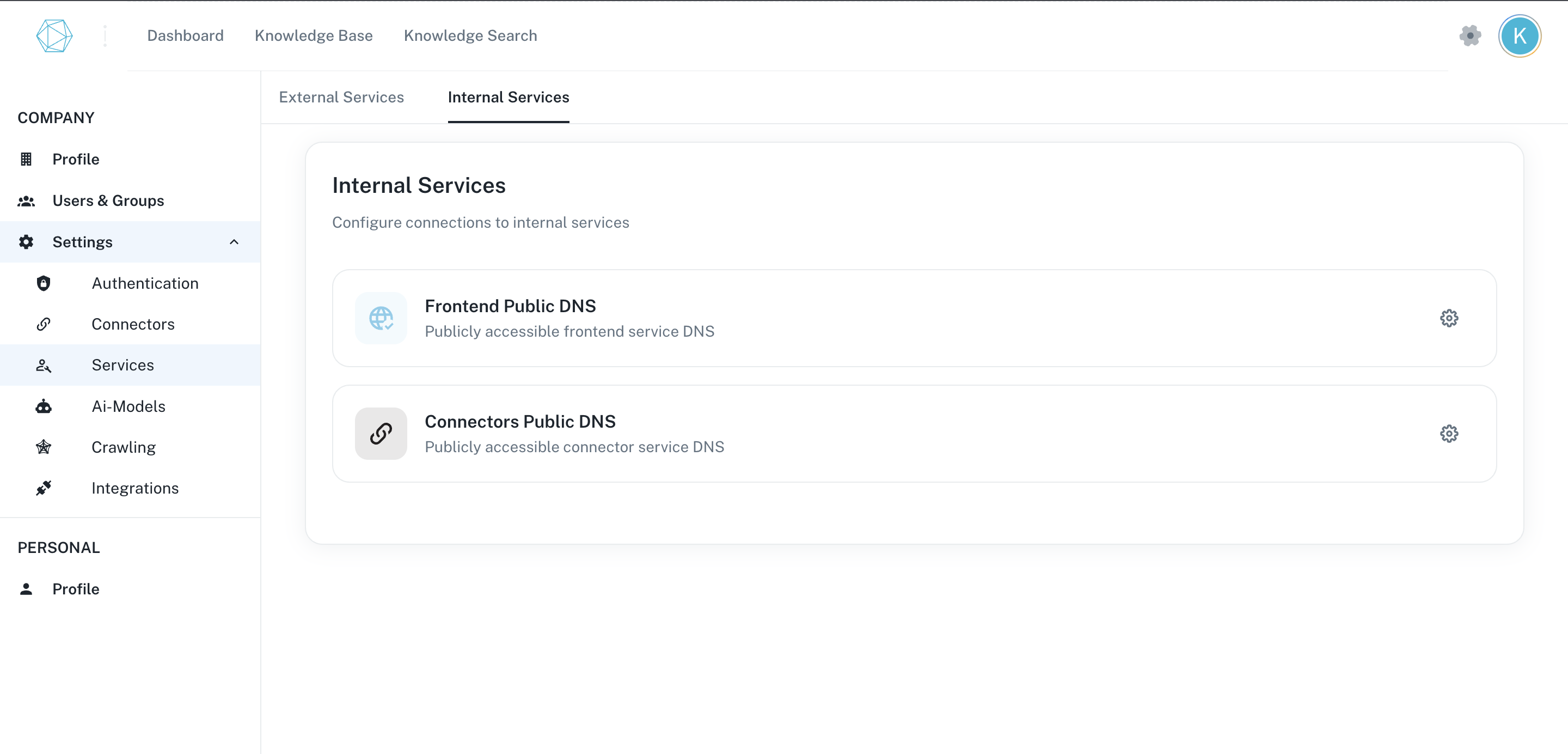
Navigate to the profile page-> Select the Settings tab-> Click the Services Tab -> Go to Internal services,
 ## Frontend Public DNS
### Overview
The frontend public DNS configuration enables users to access the application interface through a user-friendly URL. Proper configuration ensures optimal performance and security.
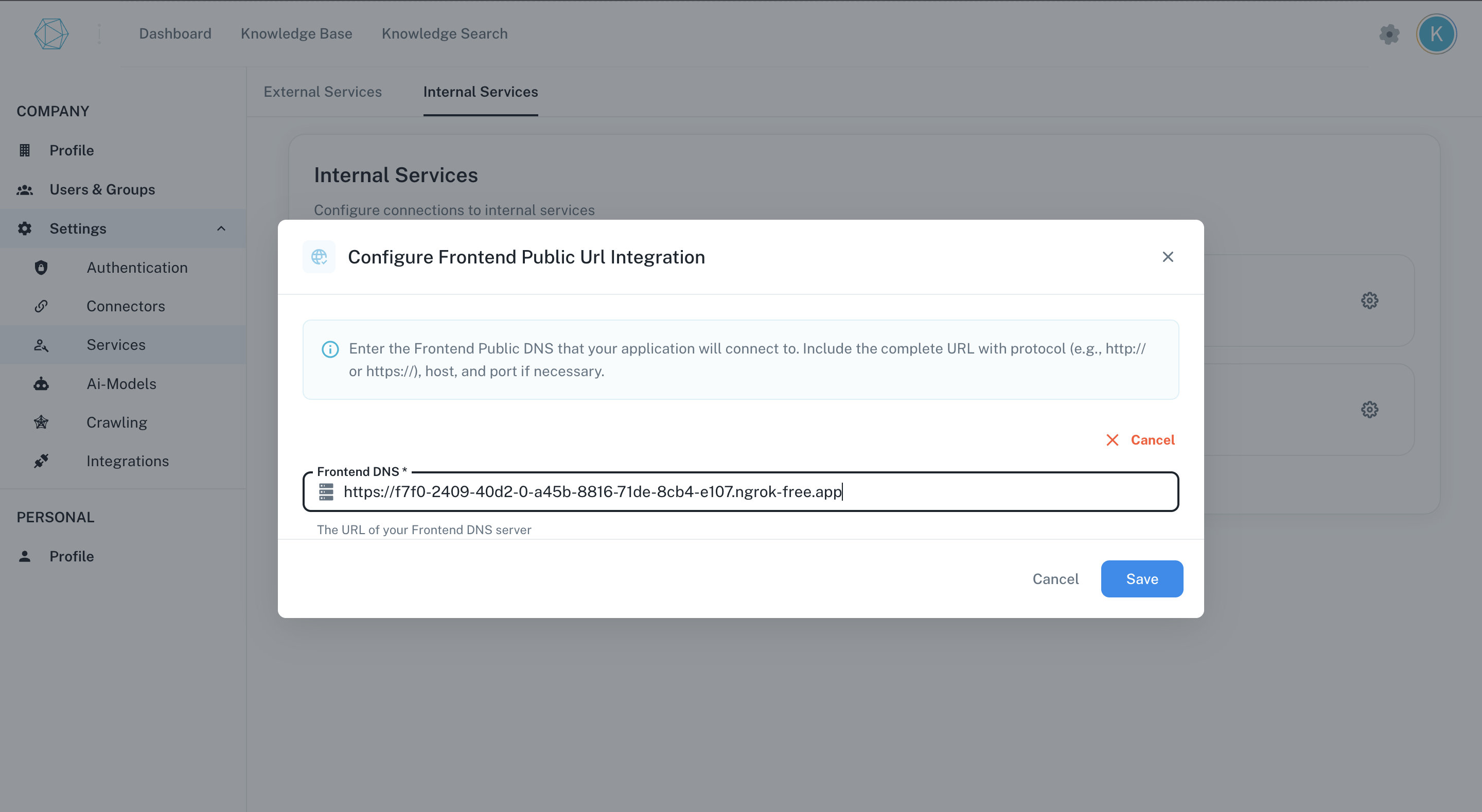
1. Click on the setting icon on the frontend card.
2. Enter the public Frontend DNS url of the app.
3. Click on the save button.
### DNS Configuration Steps
## Frontend Public DNS
### Overview
The frontend public DNS configuration enables users to access the application interface through a user-friendly URL. Proper configuration ensures optimal performance and security.
1. Click on the setting icon on the frontend card.
2. Enter the public Frontend DNS url of the app.
3. Click on the save button.
### DNS Configuration Steps
 ## Connector Public DNS
### Overview
The connector service provides API endpoints for data integration between external systems and internal services. Configuring public DNS for connectors ensures secure and reliable communication between these systems.
1. Click on the settings icon on the connectors card.
2. Enter the public Connector DNS url of the app.
3. Click on the save button.
### DNS Configuration Steps
## Connector Public DNS
### Overview
The connector service provides API endpoints for data integration between external systems and internal services. Configuring public DNS for connectors ensures secure and reliable communication between these systems.
1. Click on the settings icon on the connectors card.
2. Enter the public Connector DNS url of the app.
3. Click on the save button.
### DNS Configuration Steps
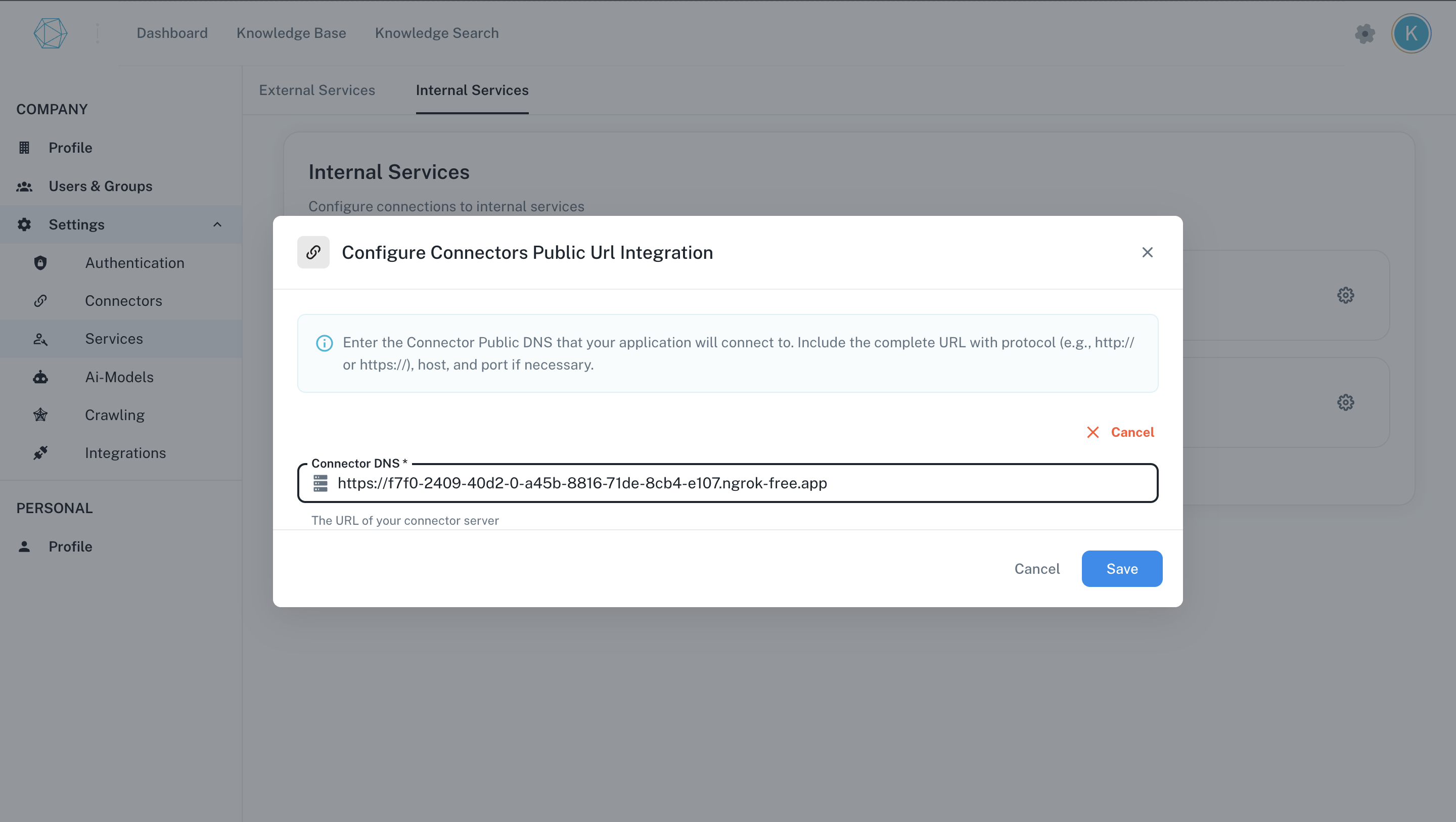 Public connector DNS is required for receiving webhook events in real time from business applications or connectors.