
API actions
Turn a REST API into tools an agent can call
API actions are off by default. An admin turns them on in Workspace → Labs with Enable API actions.
Add an API action (admin)
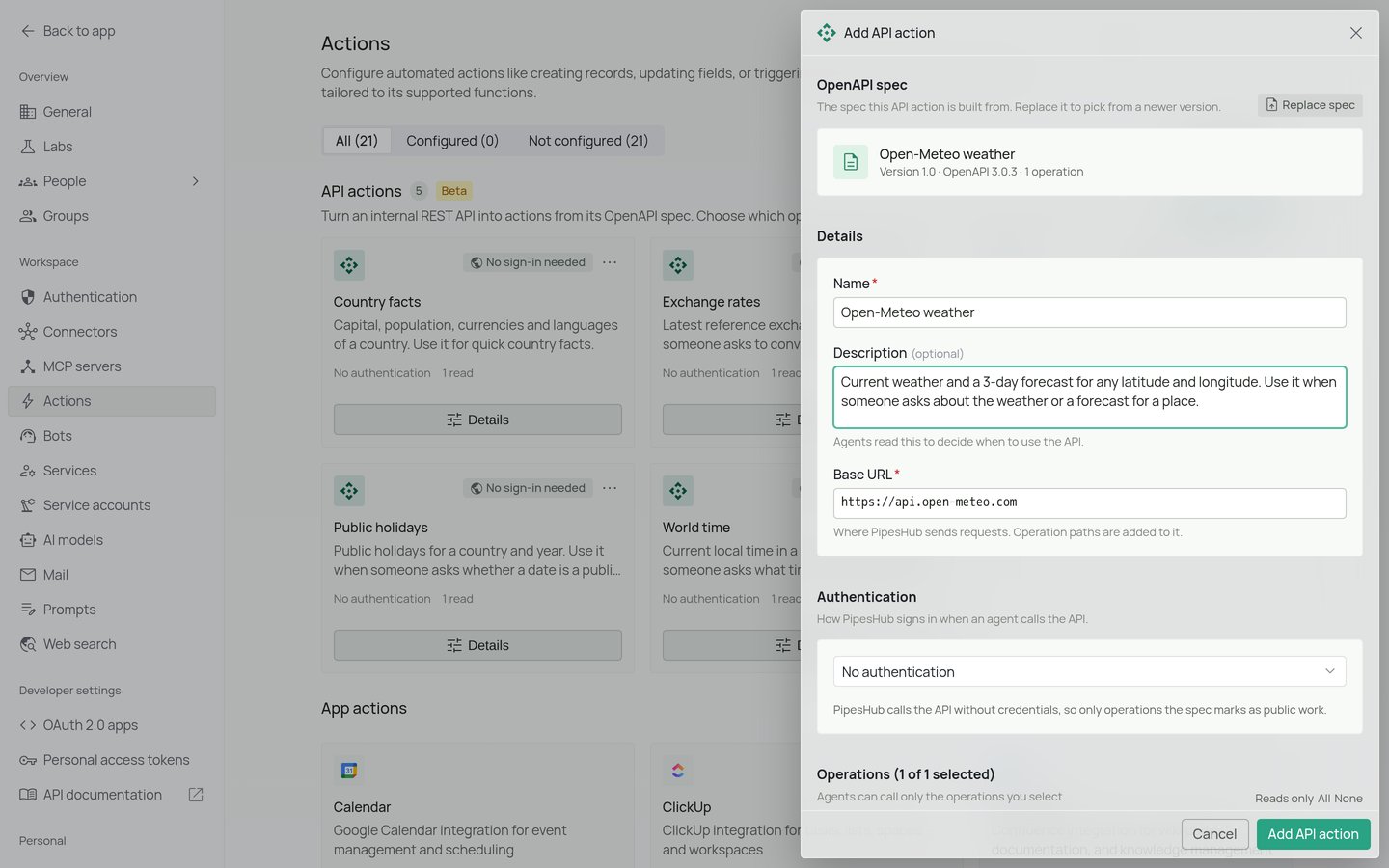
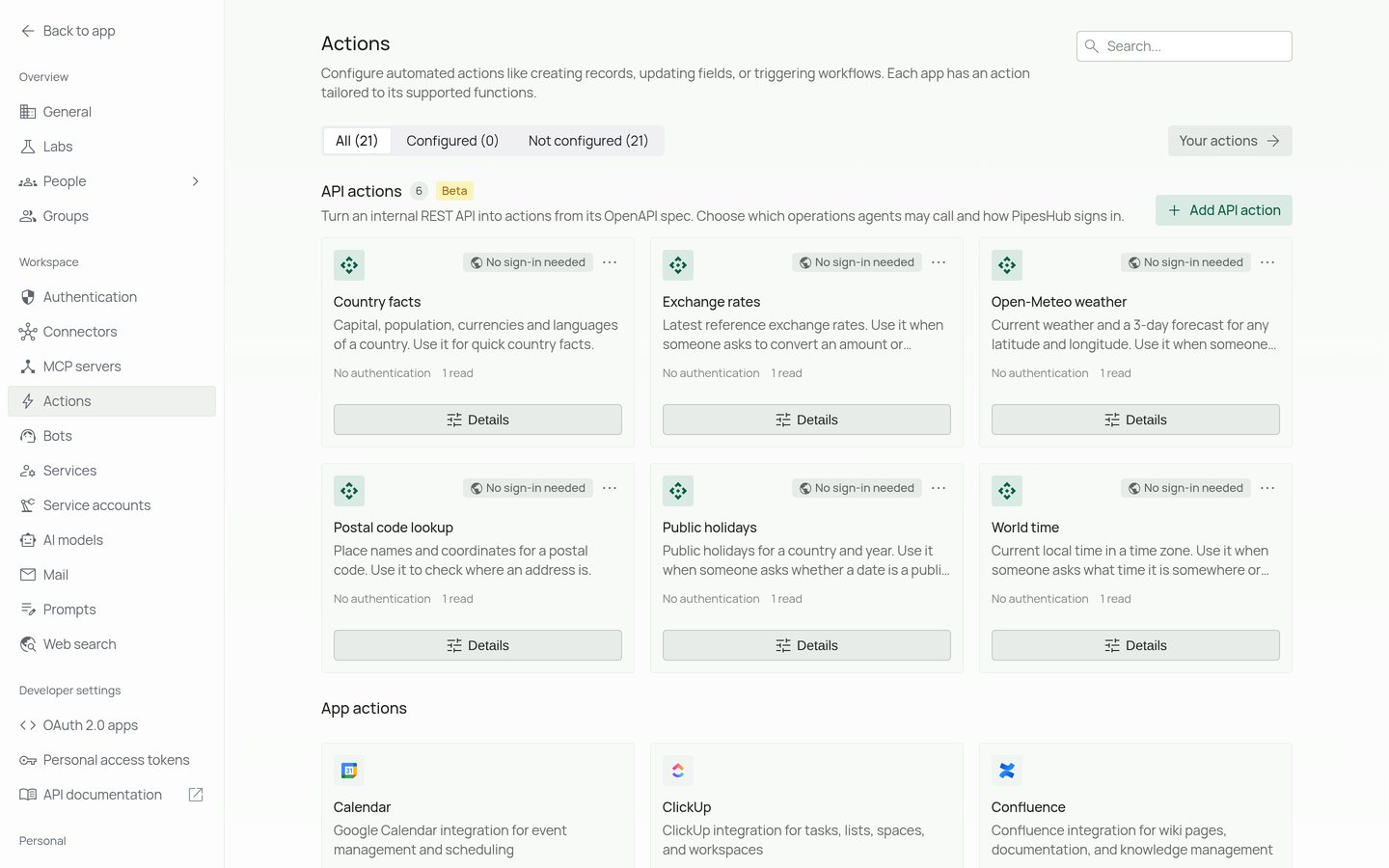
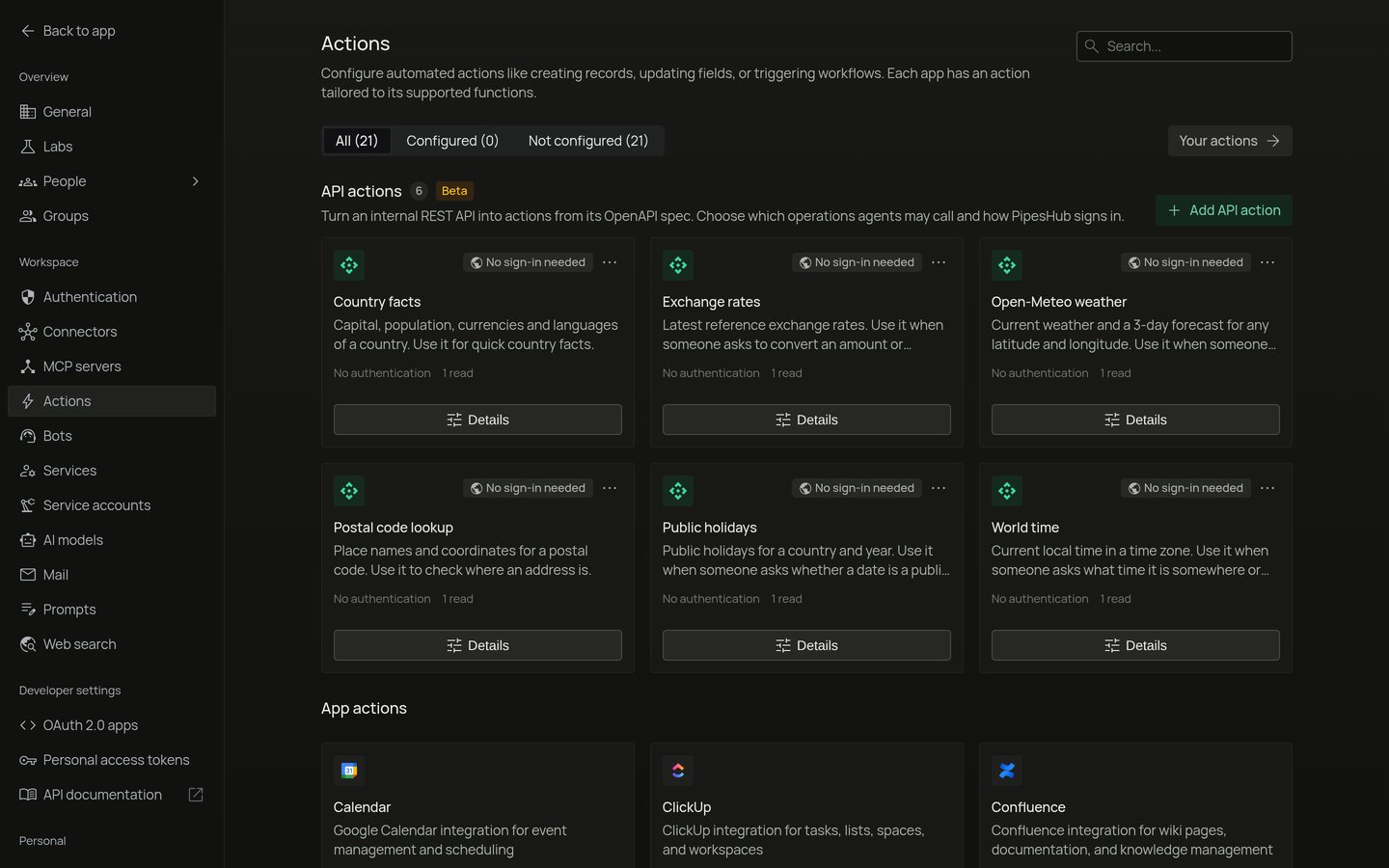
- Go to Workspace → Actions. The API actions section is above the app actions.
- Select Add API action.
- Under OpenAPI spec, drop a spec file, choose one, or paste it. The spec must be OpenAPI 3.0 or 3.1, in JSON or YAML. No spec at hand? Start from Sample YAML or Sample JSON.
- Select Read spec. If PipesHub skips parts of the spec, it lists them.
- Under Details, check:
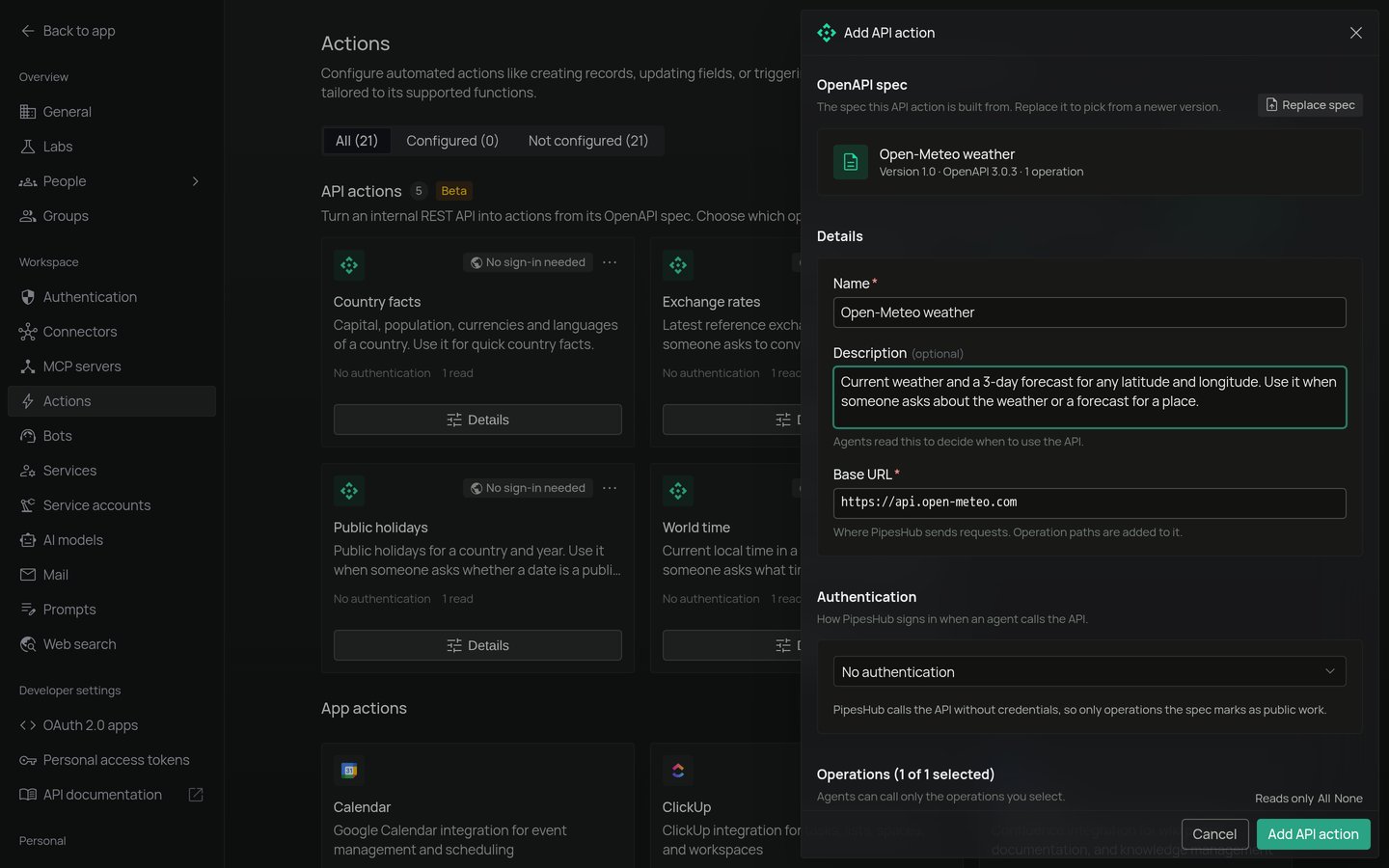
- Name.
- Description. Agents read it to decide when to use the API.
- Base URL: where PipesHub sends requests. Operation paths are added to it.
localhostmeans the PipesHub server itself, so use the address PipesHub reaches the API at.
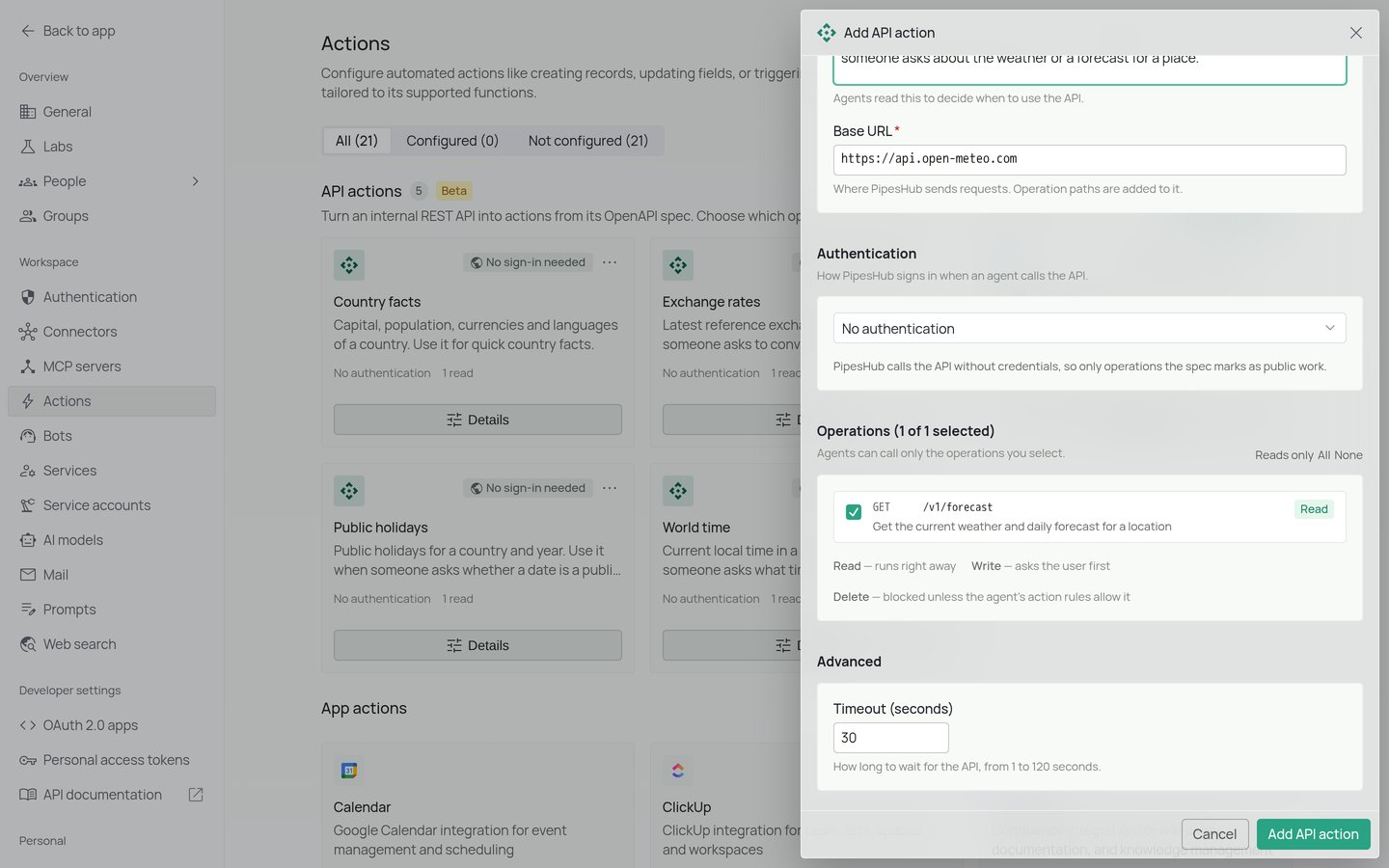
- Under Authentication, choose how PipesHub signs in (see below).
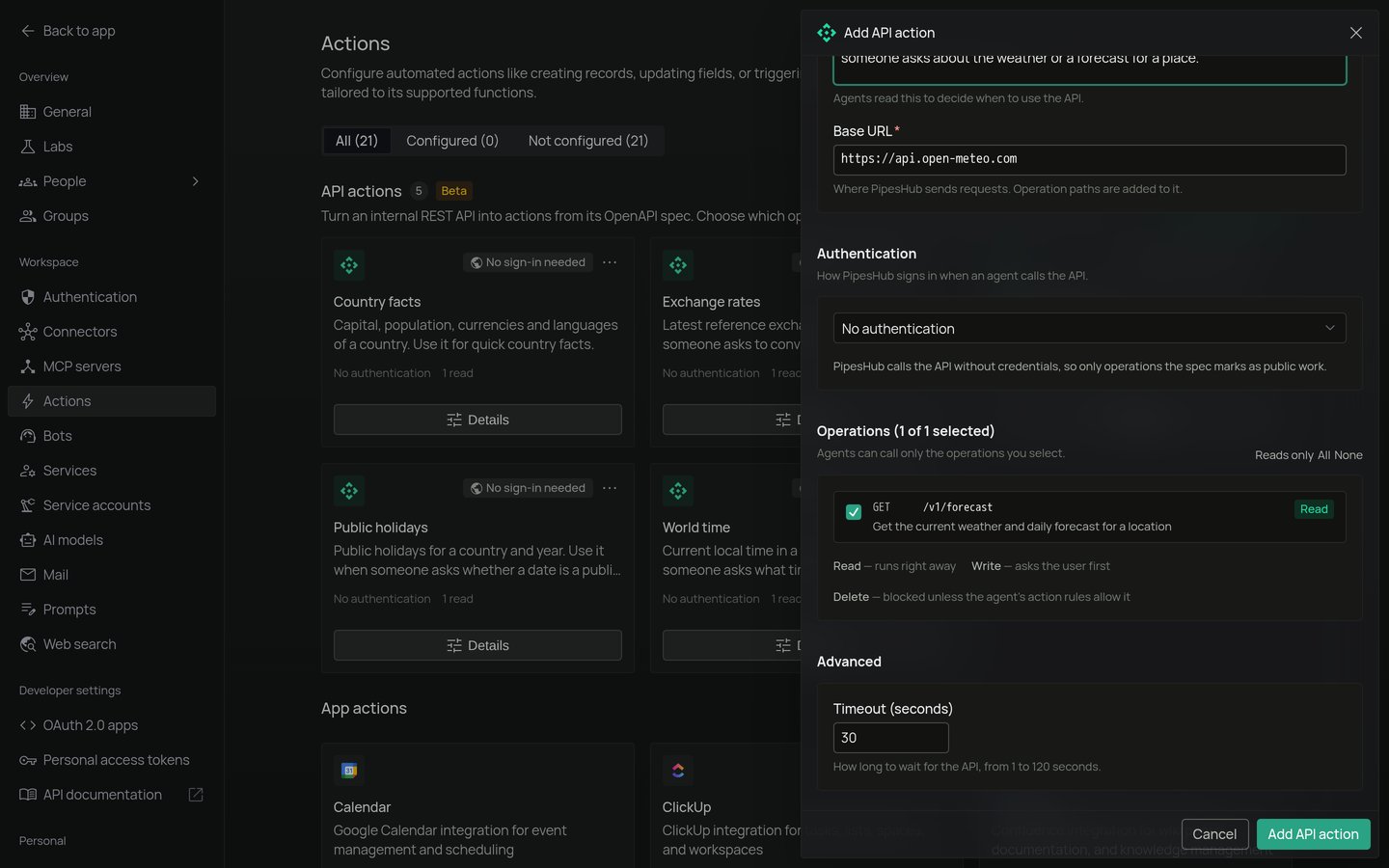
- Under Operations, select the operations agents may call. Use Reads only, All or None to select quickly. Agents can call only the operations you select.
- Optional: under Advanced, set Timeout (seconds), from 1 to 120.
- Select Add API action.
Authentication
PipesHub offers the sign-in methods the spec declares:
With No authentication, operations that the spec says need credentials show Needs credentials. Select Deselect them to drop them.
To change the sign-in method later, upload the spec again.
Shared or personal credentials
Turn on One shared credential to set the credential once for every member. When it’s off, each member connects their own. OAuth 2.0 client credentials always use one shared credential.Connect your credential
When an API action asks each member for a credential:- Go to Workspace → Your actions. Your organization’s API actions are listed in the API actions section.
- Select Connect on the API action and enter the credential, or select Sign in for OAuth 2.0 sign-in.
- Optional: select Test connection. It calls one read operation that needs no input and shows the response.
Use API actions in an agent
- Open the agent in the agent builder.
- In the palette, open Tools. Your API actions are under API actions.
- Drag an API action onto the canvas and connect it to the Agent node.
- Save the agent.
What runs without asking
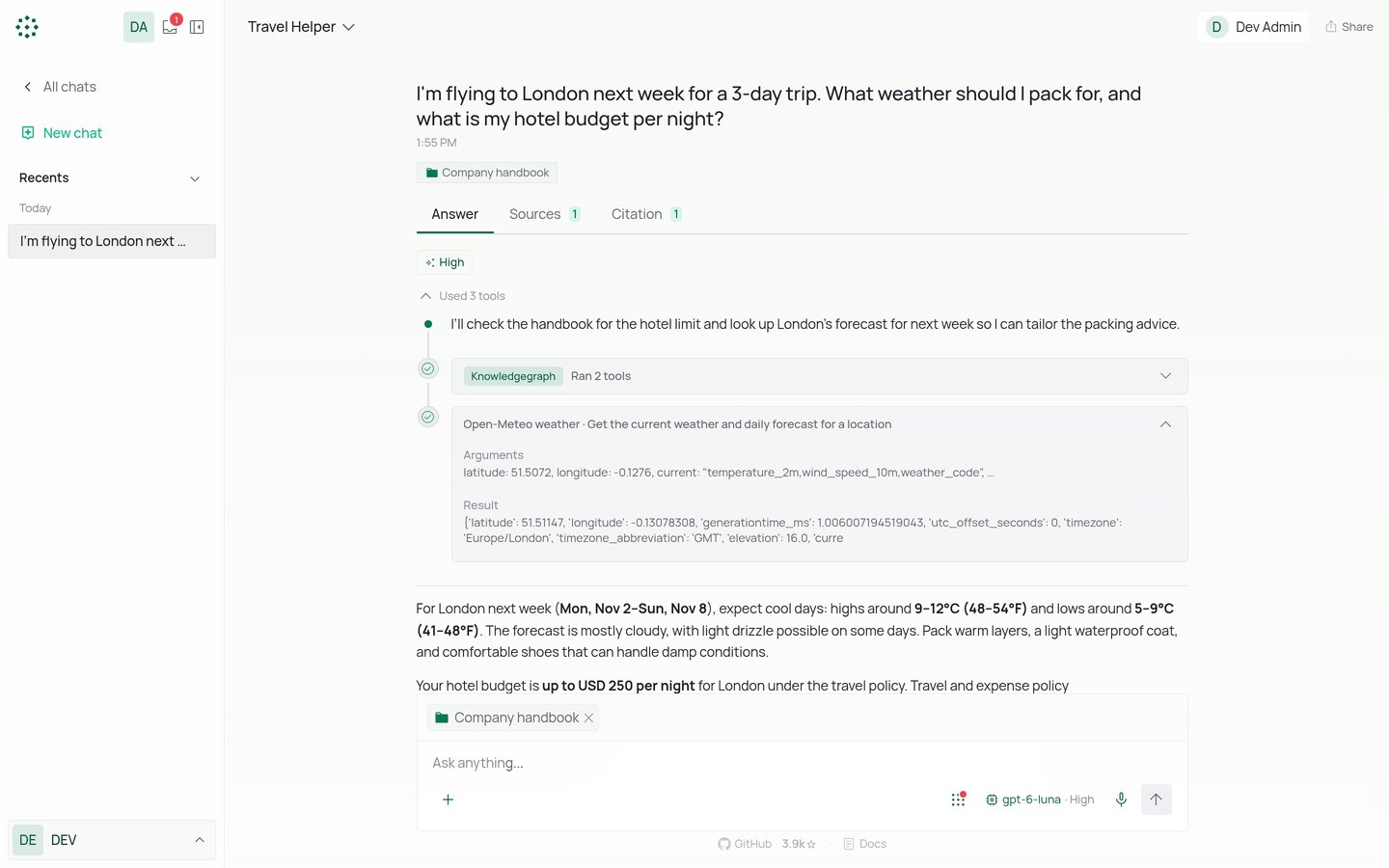
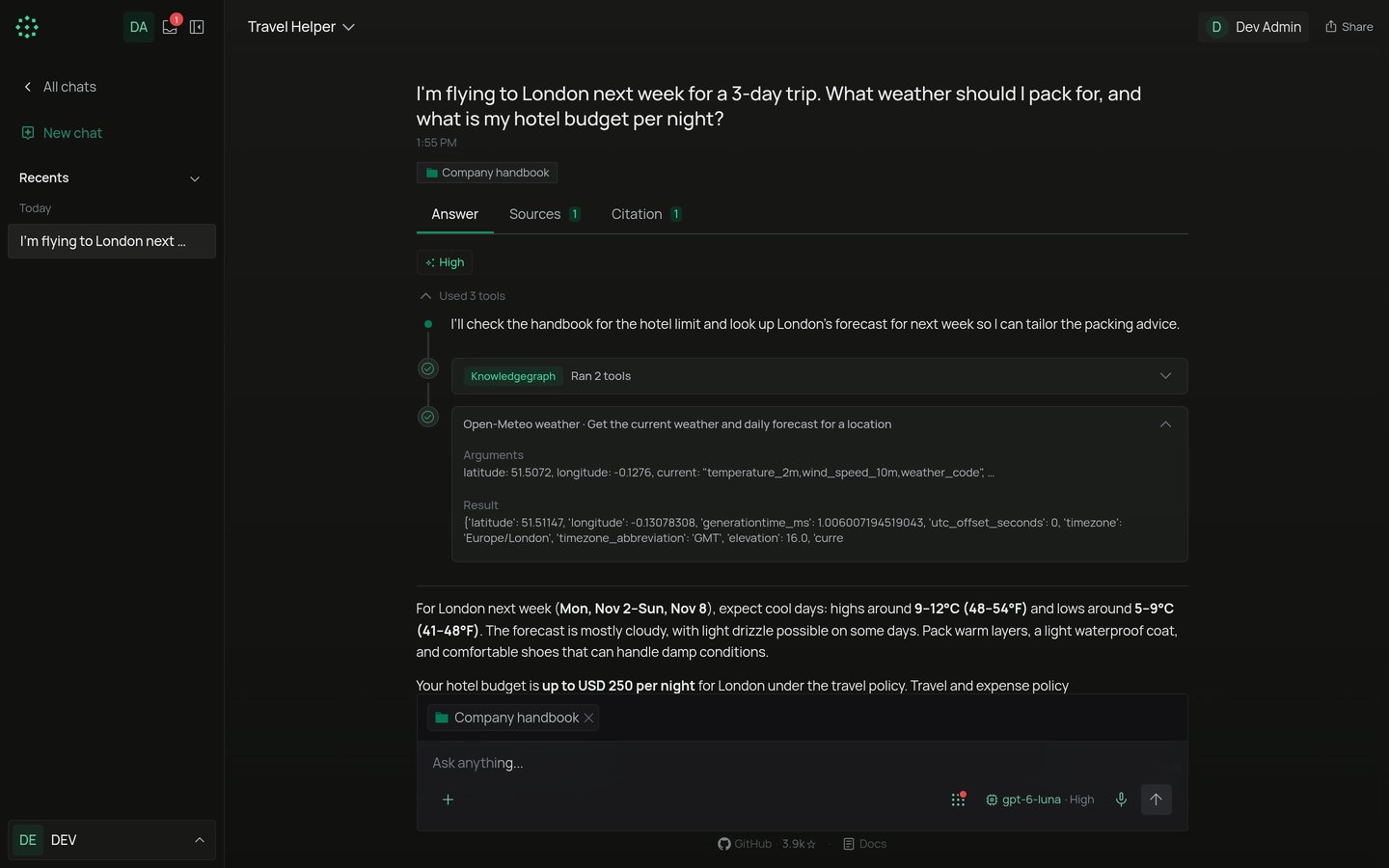
By default:- Read operations run right away.
- Write operations ask the user first. The chat shows Needs your approval with Allow and Deny.
- Delete operations are blocked.