
What creates an artifact
- Files that code run in chat writes.
- Images the agent generates.
- Content the agent writes and saves as a file, such as a Markdown report, a CSV table or JSON data. The built-in Artifact Manager action does this. It can also update an artifact, which creates a new version.
Find your artifacts
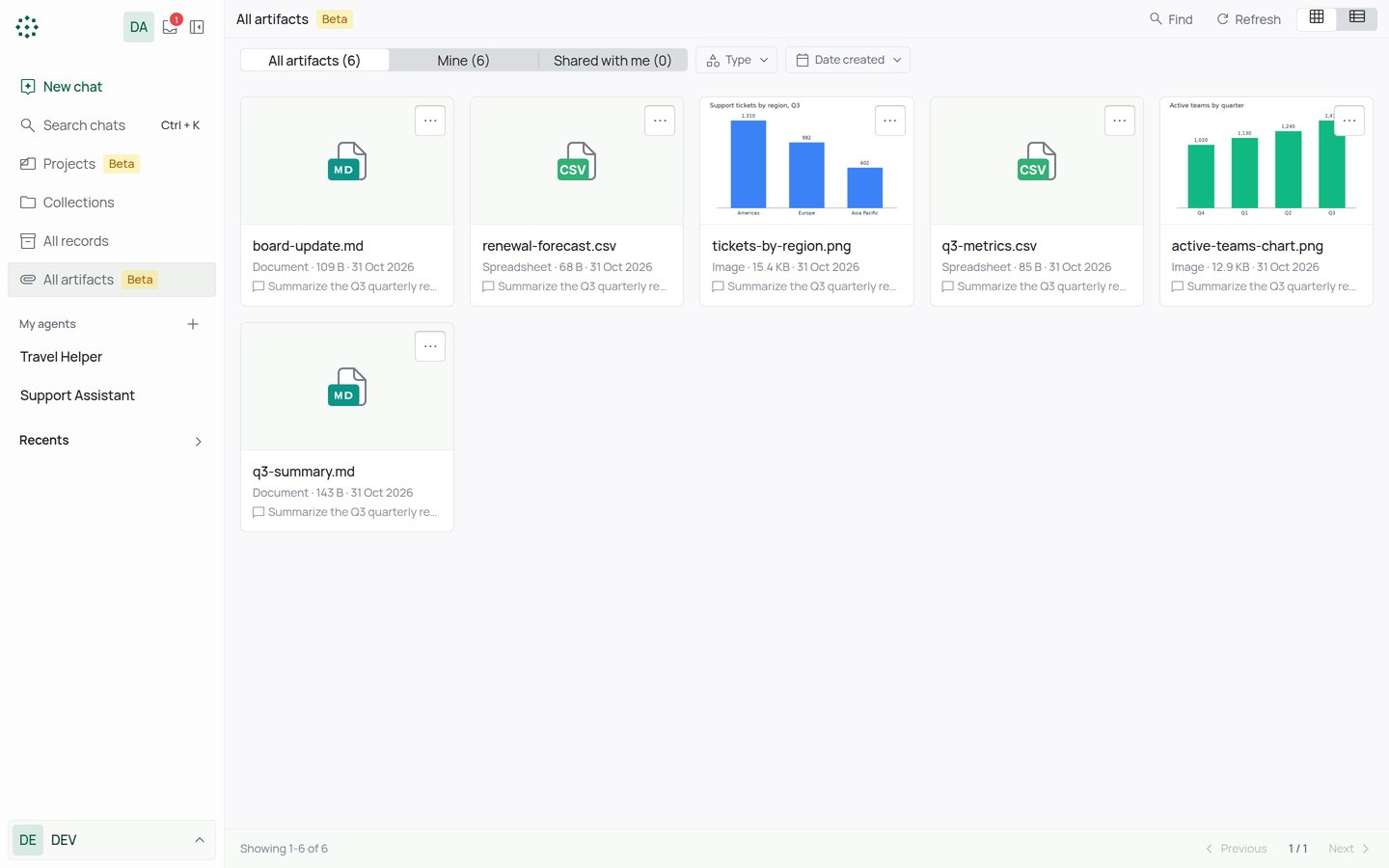
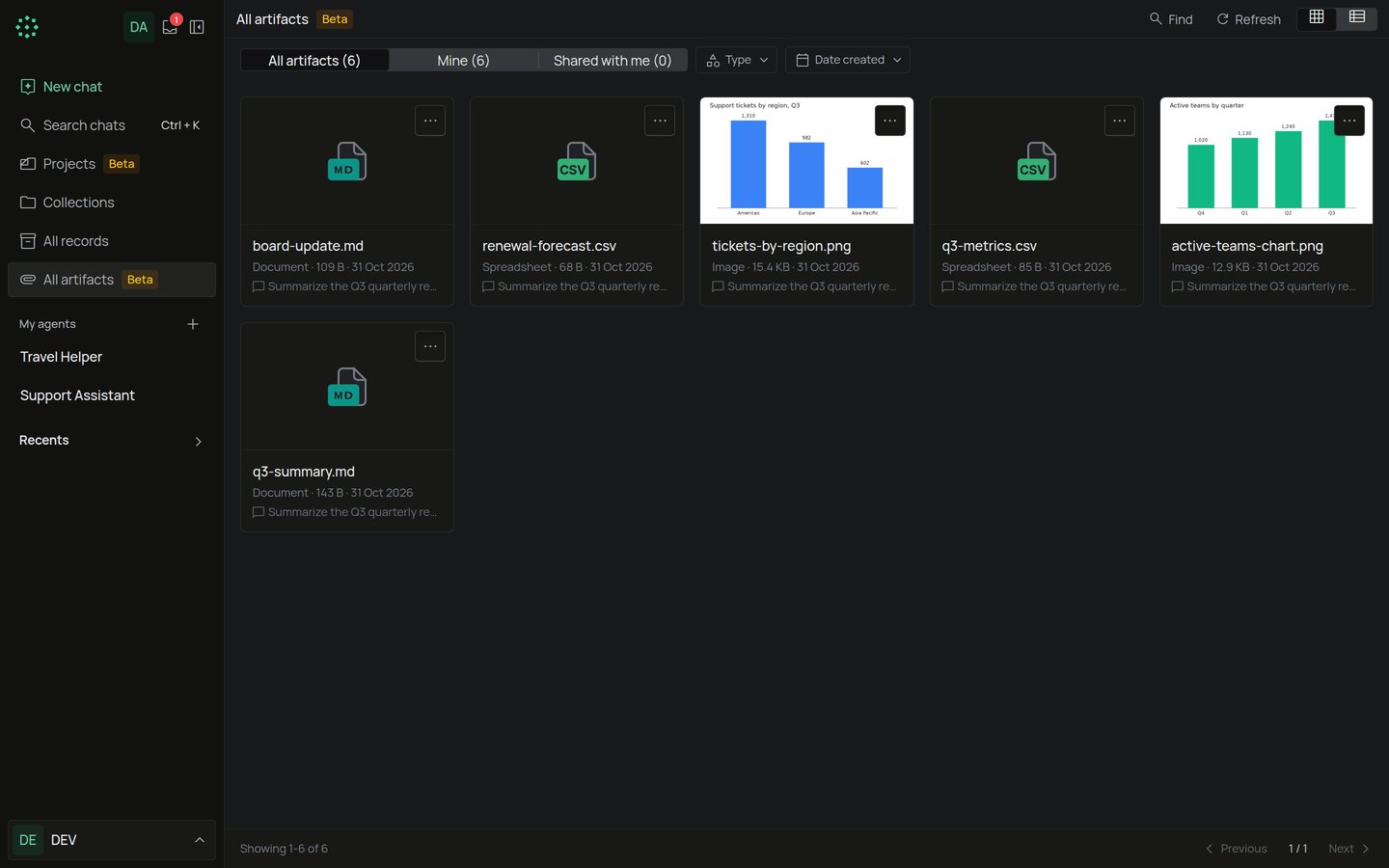
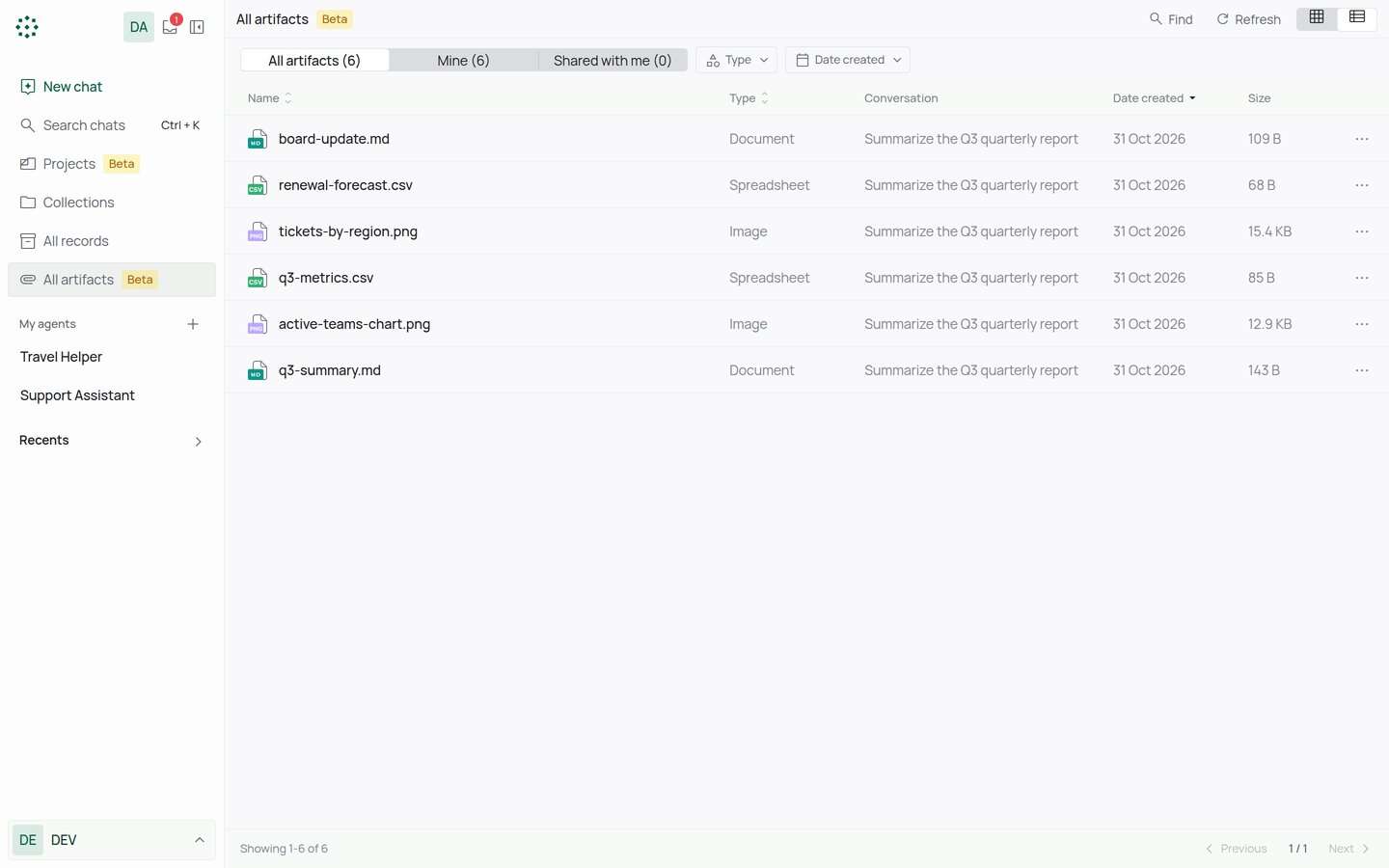
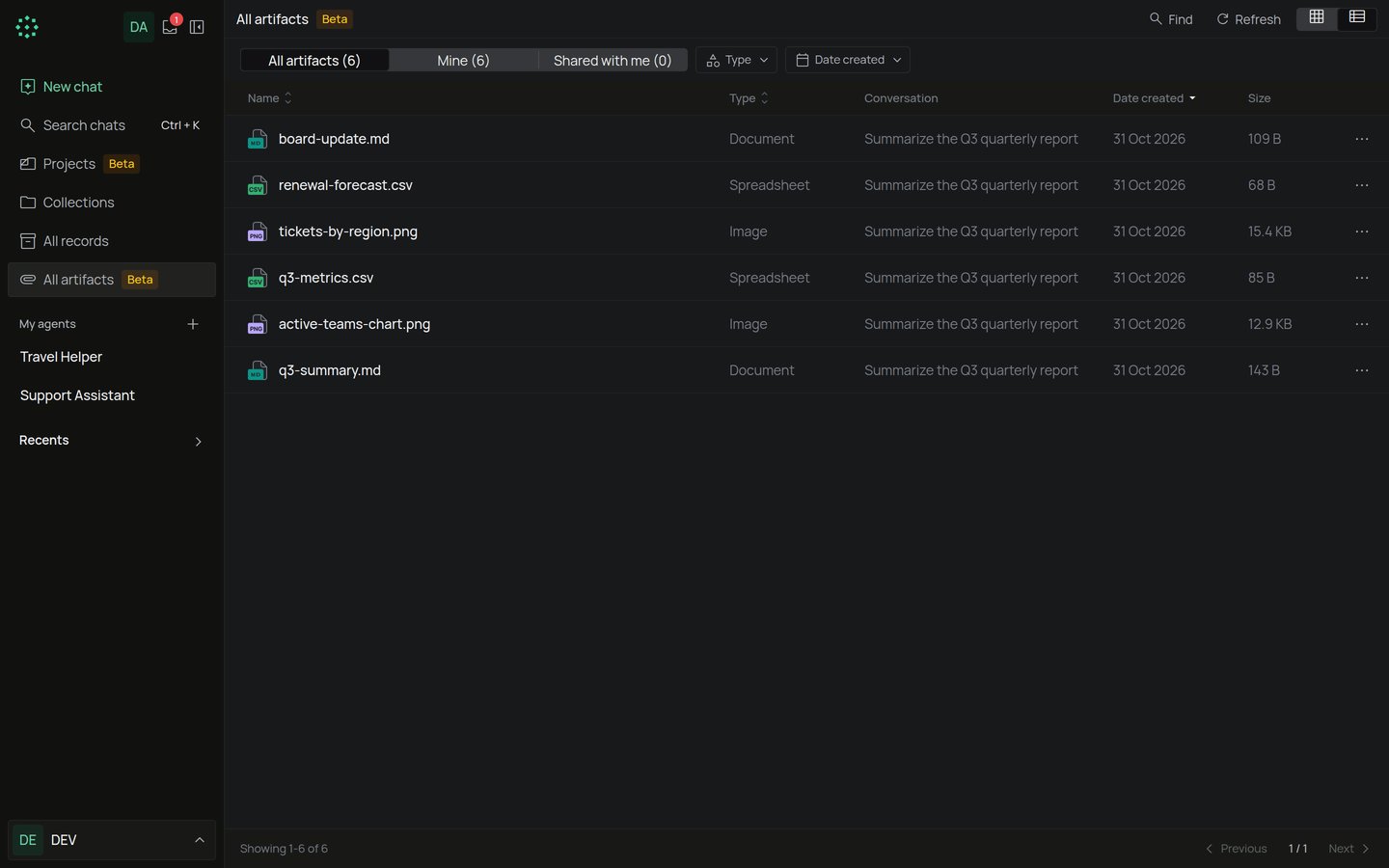
Select All artifacts in the chat sidebar. The sidebar item and the page title both carry a Beta badge, which means the feature may change. The page has three tabs:- All artifacts: everything you can open.
- Mine: artifacts from your chats.
- Shared with me: artifacts other people shared with you.
Work with an artifact
Open an artifact’s menu to:- Preview it.
- Download it.
- Open in chat, to go to the chat that created it. This shows only when you can open that chat.
- Share it (owner only).
- Delete it (owner only).
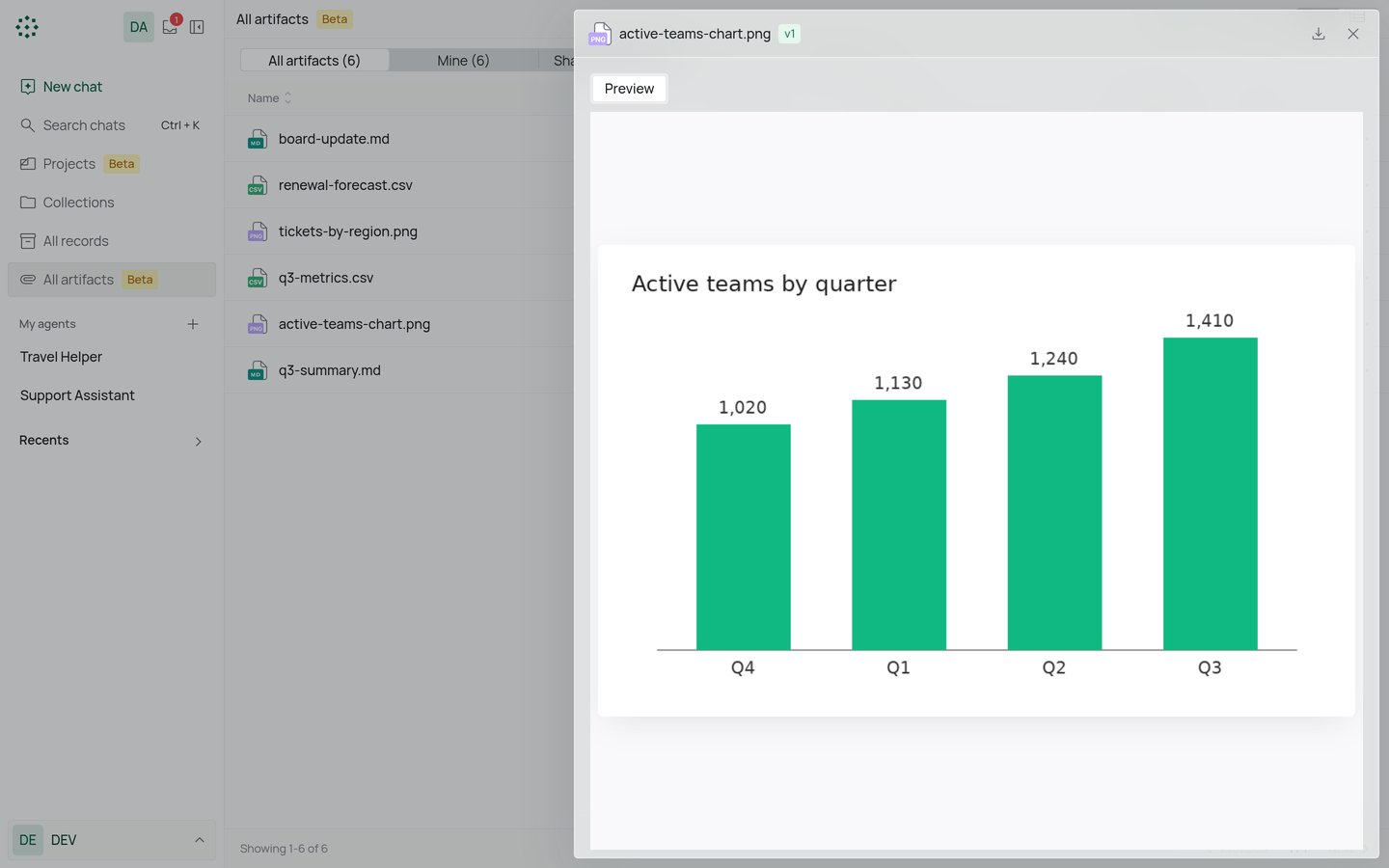
Who can see an artifact
An artifact belongs to the person whose chat created it. That includes chats with an agent, even a service agent. The owner can share an artifact with people in the organization. They can view and download it. Only the owner can share or delete it. Sharing works with people only, not teams.Delete an artifact
- Open the artifact’s menu and select Delete.
- Confirm in Delete artifact?.